CANARY WHARF LAPTOP REPAIRS LONDON
Based in the heart of Canary Wharf
Fast repairs and results that bring your laptop back to life.
Call us today and get your perfect laptop back.

Canary wharf laptop repairs is based conveniently inside the heart of Canary Wharf London
We repair all major laptop brands including Dell,HP,Lenovo,Macbook and Asus . Our engineer has 20 years experience. No other company has the knowledge or know how when it comes to fixing laptops.
BY APPOINTMENT ONLY
How to get to us
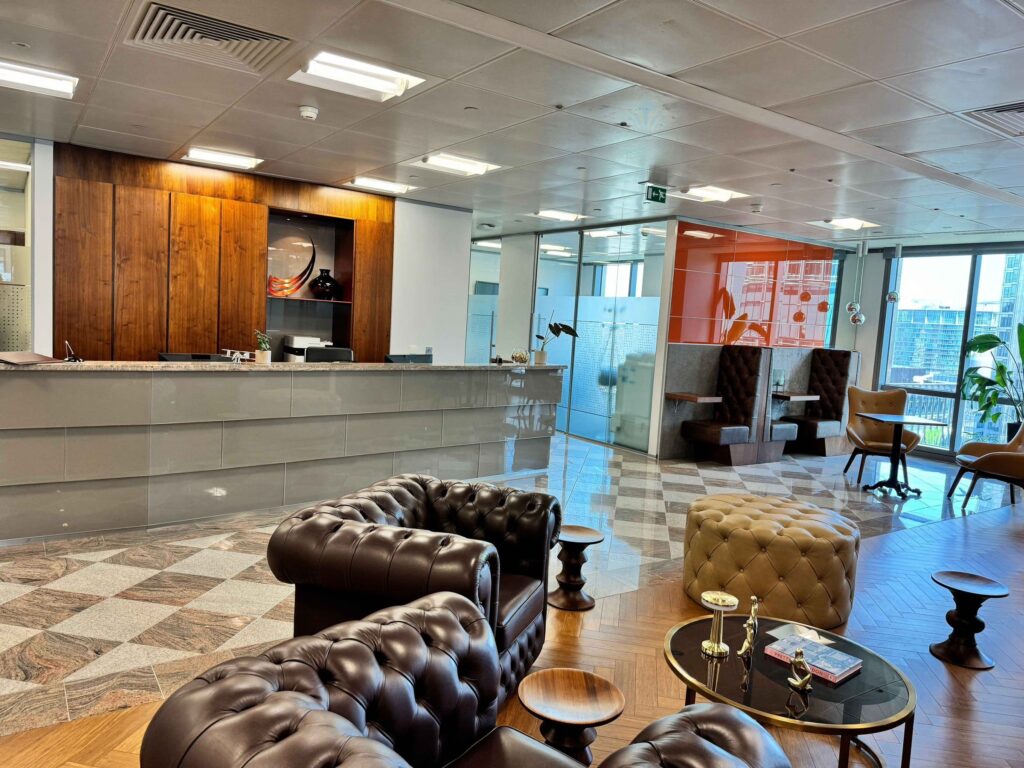
When you have booked your appointment please enter 40 Bank street ground floor reception and give us a call.
Canary wharf Laptop Repair Specialists
Engineer direct : +44 0207 183 1644
View our services
You will love our Canary wharf customer service team. Just give us a call to see how friendly our customer service really is.
We love to have happy customers. We will never wipe our customers data.
We were the very first laptop repair company in London.
In the last 20 years we have repaired over 15,000 laptops.
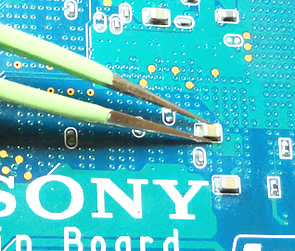
80 Pin Chip Removal No Problem
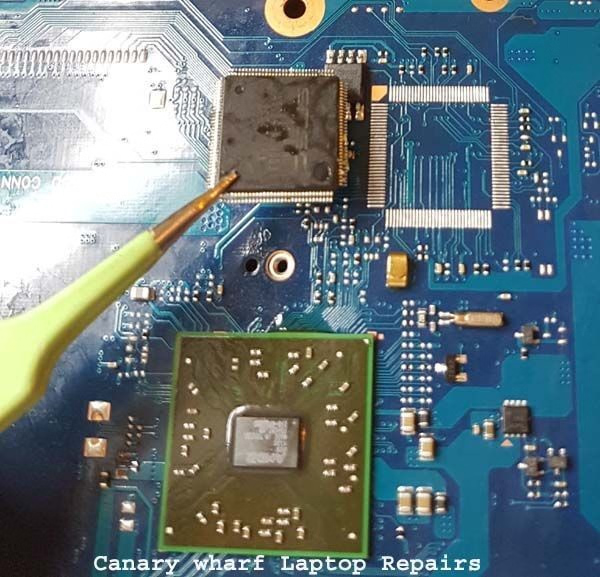
We Use The Latest Machines
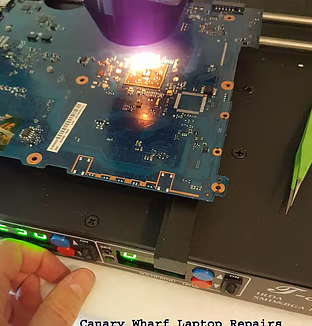
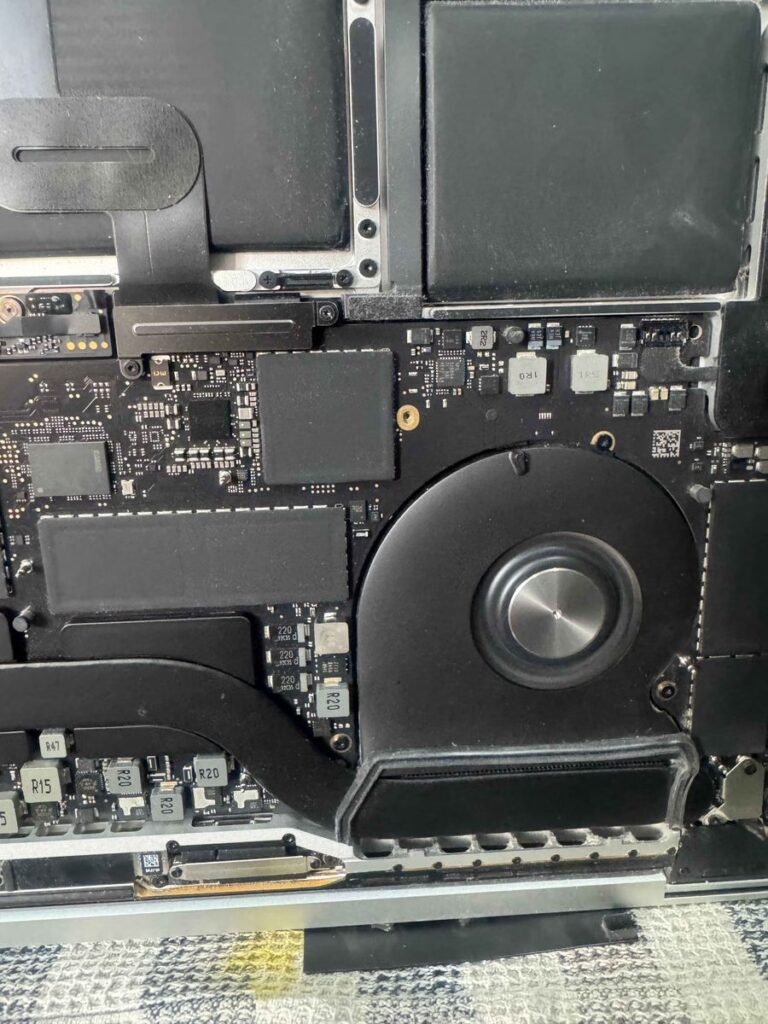
Motherboard Repair Speciaslists
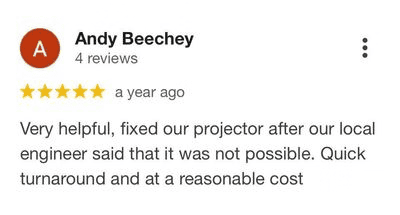
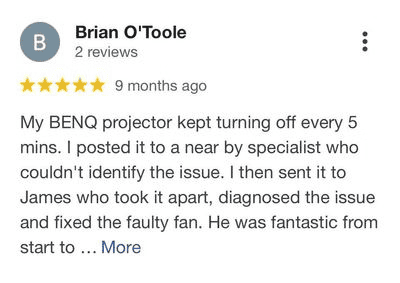
Check our reviews on Google!!

Our laptop repair services
- Laptop Screen Replacement
- Laptop Motherboard Repair
- Charging Port Repair
- Laptop Keyboard Replacement
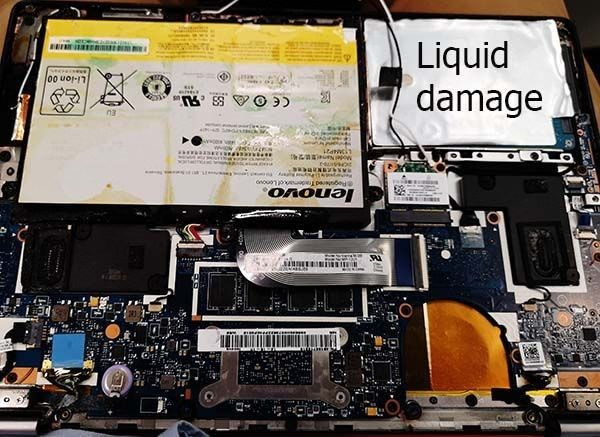
- Water Damage Repair
- Hard drive upgrades
- Battery Replacements
- Component Level Repairs
We serve Canary Wharf, Docklands, Tower Hamlets, East London and Cental London.
Maybe I can fix it Myself?
1) Check the charger is it working?
2) Have I tried a different wall socket?
3) Is my cable bent or broken near the end?
4) Remove the battery and try on charger only.
5) Unplug the charger and press the power button for 30 seconds reconnect and try again.
6) Listen carefully can you hear the fans spinning?
7) Ask yourself did it do an update recently?
8) Was any liquid spilled on it Recently?
9) Can you smell any burning smell from the bottom of the laptop?
10) Does the tiny light on the Caps Lock Key come on?

Contact us
Canary Wharf Laptop Repairs
Level 18, 40 Bank street
Canary Wharf
London E14 5NR
t: +44 0207 183 1644
By Appointment Only.
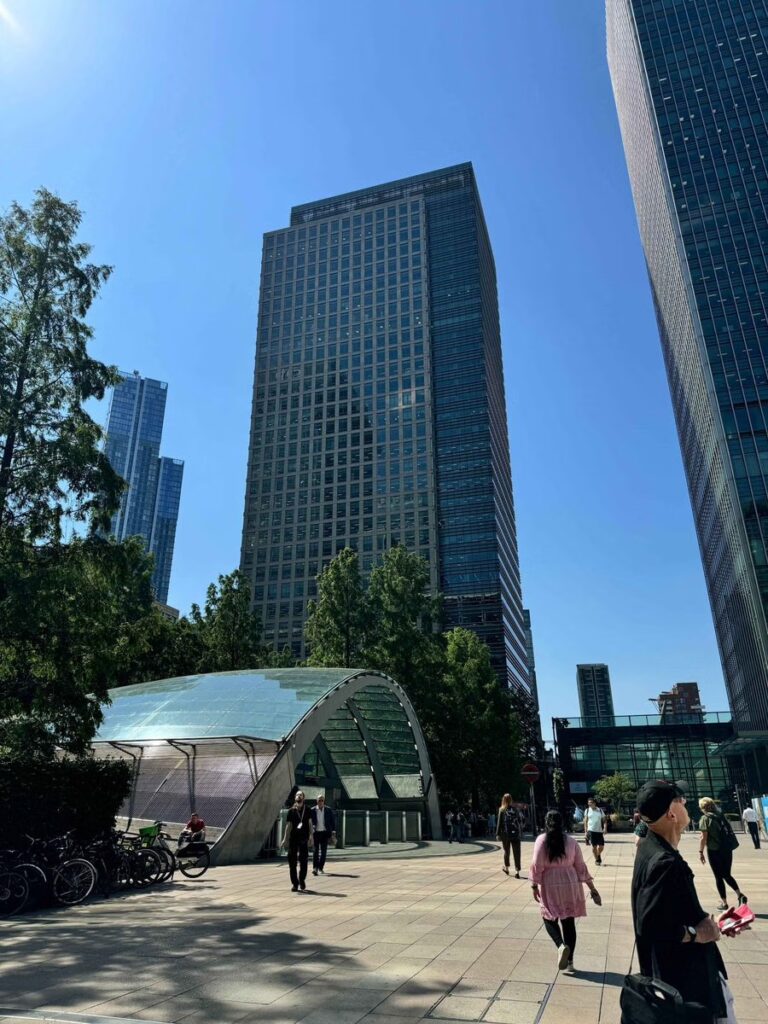
To the right is an image of our location.
The building is 40 Bank street.
Call Now ✔
We have no call centres just a trained engineer on the phone ready to help.
Get A Free Quote ✔
We Can Often Diagnose Your Fault Over The Phone
Book A Repair ✔
All Bookings Are By Appointment Only Call Now
Frequently Asked Questions
How long will a repair take?
All our repairs during working days are usually completed within in 24 hours. However as we are closed over the weekend, if you bring it in to us on a Thursday or Friday, it will be ready on Monday.
How long does it take to get parts delivered?
It depends how far the part is being delivered. If delivered from within the UK, just a few days. If delivery is from China/Asia, you may need to wait around 3 weeks for the part to arrive.
Do I have to pay for diagnosis?
We offer FREE diagnosis, unless the device in question has liquid damage as we would need to use chemicals to clean the area to see the extent of the damage, and if a repair is possible. In such circumstances a small fee would be agreed upon prior to the diagnosis to cover the cost of the chemicals.
How do I find your office?
We are located in the CitiGroup Building in Canary Wharf in London. As it is one of the tallest Skyscrapers in the UK the building can easily be seen in Canary Wharf. Just walk in the Main Entrance on the ground floor and ask reception for “Projector Repairs”. It’s always best to call us first and book an appointment prior to turning up. Tel: +44 0207 183 1644
What happens if i do not collect my projector after 2 months?
All projectors not collected or paid after 2 months will be broken for parts.
Can't Find Your Question?
Call us now on +44 0207 183 1644 for an answer to your questions.